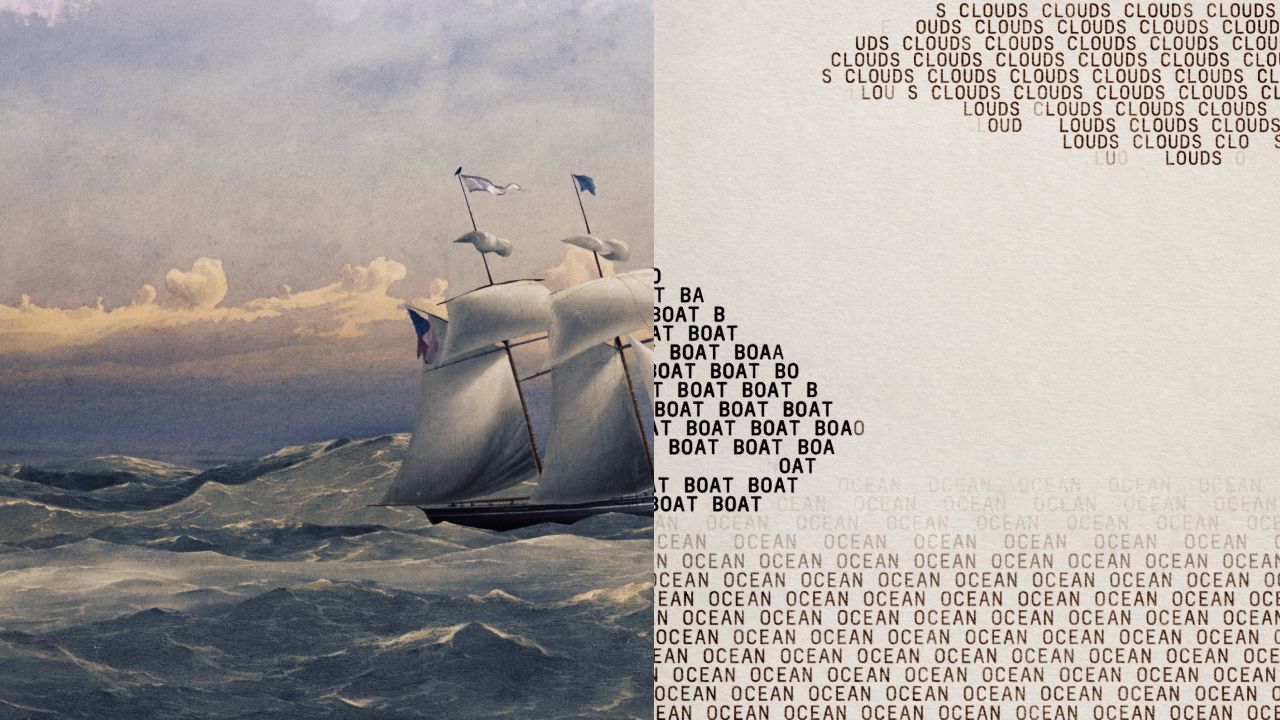
The Perception Gap in Agentic Workflows
In the current era of LLM development, we are moving rapidly from simple chatbots to autonomous agents capable of executing multi-step workflows. However, one of the most persistent hurdles in building reliable production systems is "perception." For an AI agent to act effectively on a business process, it must be able to perceive its environment accurately. When that environment consists of Microsoft Office files—the backbone of corporate communication—standard text extraction often fails to capture the nuance of layout, formatting, and structural relationships.
Standard libraries can extract raw text from a .docx or .xlsx file, but they often strip away the spatial context that makes these documents readable by humans. When an agent receives only a "blob" of text without knowing where a table ends or how a header relates to a sub-section, its reasoning capabilities degrade. This is where tools like OfficeCLI enter the architectural conversation. By rendering these files into HTML or PNG formats before they reach the LLM's context window, we provide the agent with "eyes." We are essentially translating complex binary/XML structures into a visual representation that aligns more closely with how humans (and therefore models trained on web data) interpret information.
The Engineering Trade-offs: Reliability vs. Simplicity
When designing an MVP for an enterprise tool, every architectural choice involves a trade-off. Using standard libraries like python-docx or openpyxl is the "easy" path—it requires no extra infrastructure and works well for simple text scraping. However, as we scale toward complex agentic workflows, these methods often hit a ceiling of reliability.
OfficeCLI takes a different approach by operating as a standalone binary with no external dependencies. From an engineering standpoint, this is a significant win for portability. You don't need to worry about the specific version of LibreOffice or Microsoft Office installed on your runner; you just need the binary.
The trade-off here is moving toward specialized infrastructure. By choosing a dedicated engine that provides high-fidelity visual feedback (HTML/PNG), you are opting for higher accuracy in agent perception at the cost of a more specialized deployment pipeline. For an MVP, this decision must be grounded in your specific use case: if the agent needs to "understand" a complex invoice layout or a multi-column newsletter, the fidelity provided by OfficeCLI's rendering is worth the overhead of managing a dedicated conversion step.
Implementing Robustness in Production Agentic Systems
If you are integrating tools like OfficeCLI into your production pipeline, it isn't enough to just "plug and play." To move from a prototype to a reliable product, you must implement rigorous engineering guardrails.
First, benchmark on your prompt mix. Don't rely on the marketing charts of the underlying model; test how the specific output (HTML vs. raw text) affects the success rate of your agent’s logic. Small changes in how data is presented to the model can result in significant swings in accuracy.
Second, log everything. Every production call should log the Model ID, the prompt version, and the source format. When a "hallucination" occurs or an action fails, you need to know if it was caused by a degradation in the LLM's performance, a change in your prompt engineering, or a failure in the document rendering layer.
Finally, canary your deployments. Before rolling out a new parsing logic across your entire fleet of agents, deploy it to low-risk endpoints. This allows you to observe how the agent handles edge cases—like nested tables or complex images—without risking high-value customer interactions.
Building for Scale: Moving Beyond the Prototype
The transition from an "AI project" to a "Software Product" happens when you prioritize reliability and observability over novelty. When we look at tools like OfficeCLI, we see a move toward specialized infrastructure to solve specific perception problems. This is exactly what high-performing engineering teams do: they identify the bottleneck (in this case, document parsing) and implement a dedicated solution rather than trying to force a general-purpose tool to perform a niche task perfectly.
If you are currently struggling to bridge the gap between your LLM's capabilities and the reality of complex corporate data structures, it might be time to audit your pipeline. Are your agents "seeing" the full picture, or are they squinting at raw text strings?
Building an MVP that survives the transition from a demo to a production-grade tool requires this level of scrutiny regarding infrastructure, perception, and feedback loops. If you're looking for guidance on architecting these complex agentic workflows or scaling your AI infrastructure, reach out for MVP help to discuss how we can build a robust foundation for your product.
Summary of Key Takeaways
- Perception is Key: Converting Office files to HTML/PNG provides agents with the structural context they need to act accurately.
- Infrastructure Choice: Standalone binaries like OfficeCLI offer portability and high fidelity, which are often worth the specialized setup in enterprise environments.
- Operational Excellence: Success depends on logging model versions, benchmarking prompt variations, and using canary deployments to mitigate risk during rollout.
Related case study
Juiceit.ai — AI platform — document intelligence, agent workflows, enterprise automation.
Official references
Implementation help
Let's align on scope and next steps. Nitin Rachabathuni, Senior Full-Stack Engineer and MVP in 2 Days specialist — technical audits, implementation support, advisory, and flexible hourly collaboration shaped to your product. Reach out anytime; available across time zones and countries.
- Contact form
- Email: nitin.rachabathuni@gmail.com
- WhatsApp: +91-9642222836
Juiceit style straight through document processing
AI Agents
Shopify Acquires Tailwind CSS: The Strategic Shift from Independent Tooling to Core Infrastructure
leadership
Tailwind CSS Joins Shopify: A Masterclass in Strategic Infrastructure Pivot
tech
The Illusion of Quality: Why AI Agents Fail at Test Verification
tech
Beyond the Vector Database: Why Git-Native Memory is the Future for AI Coding Agents
leadership
Agentic Context Management: Solving the Memory vs. Cost Architecture Problem
tech